
SalesforceSecurityIntegrations
Vishing: How the wolf gets invited into the Salesforce hen house

In the world of Salesforce security, we spend millions on Shield, event monitoring, and SSO. We build high walls and lock the gates. But what happens when the big bad wolf doesn’t try to climb the wall, but simply rings the doorbell and asks to be let in?
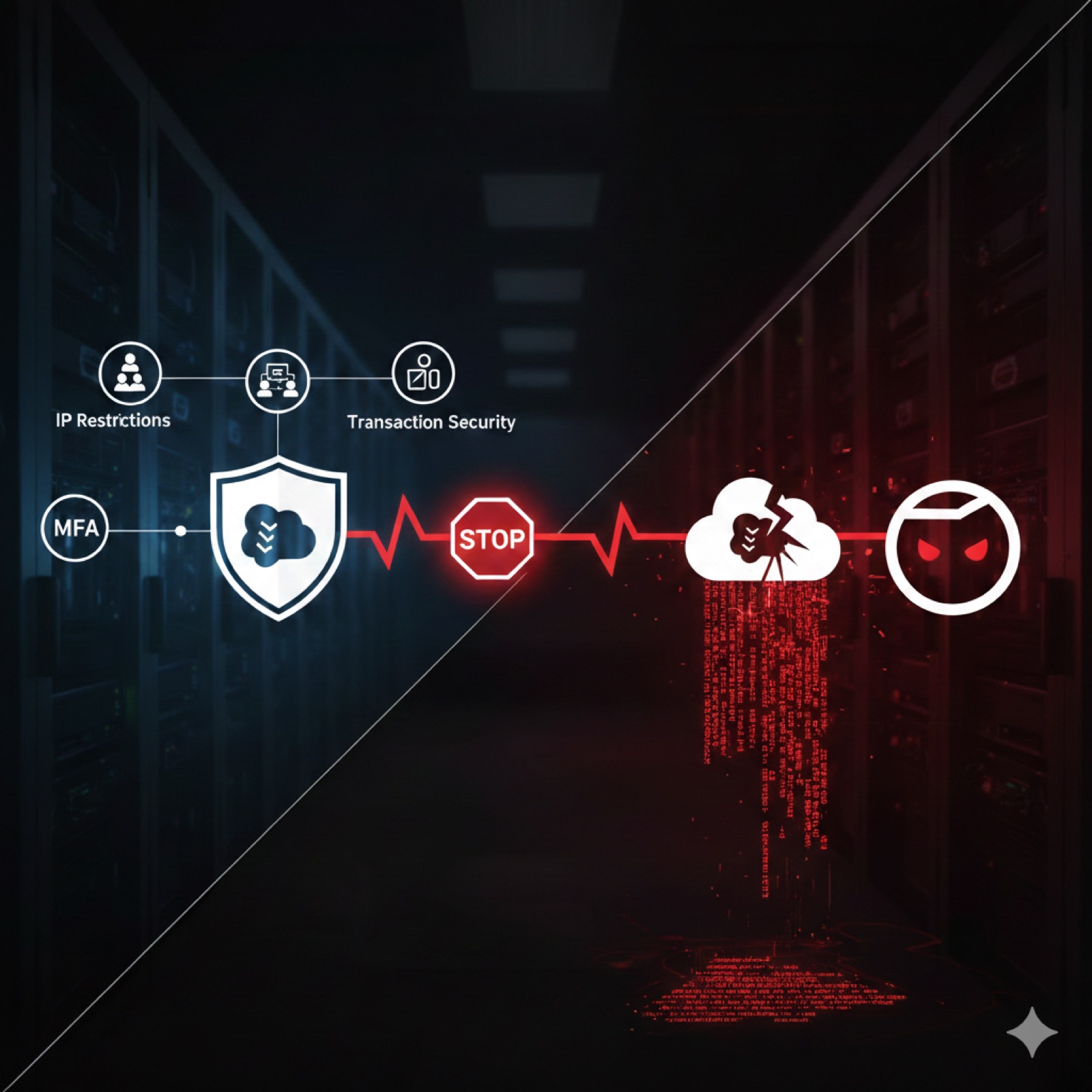
Worse yet—what if your most trusted administrators are the ones turning the key?
The goal isn’t to crack a password; it is to get invited into the hen house. Here is the script they use to turn admins into security vulnerabilities.
The hunter’s disguise: Establishing authority
A wolf doesn’t show up at the door looking like a predator. In these attacks, they show up as a Salesforce Support Engineer or a technician from a well-known AppExchange partner.
They don’t start with a demand; they start with a solution.
- We’re seeing a high volume of API errors in your production instance.
- Your recent sandbox refresh has triggered a security alert on our end.
By the time the admin is on the phone, the wolf has already used LinkedIn to identify the admin’s name, their role, and the specific tools the company uses. They aren’t cold-calling; they are following up.
The trick: Handing over the keys
The hackers don’t ask for the admin’s password. Instead, they ask the admin to perform a diagnostic sync by navigating to a very specific internal page:
[YourDomain].lightning.force.com/setup/connect
The attacker provides a unique verification code for the admin to enter. In reality, this is an OAuth Device Authorization flow.
By entering that code, the admin is not running a diagnostic. They are manually authorizing a malicious Connected App to have full API access to the org. Because the admin is already logged in and trusted by the system, Salesforce sees this as a legitimate, intentional act.
The wolf is no longer outside. He’s been given a permanent badge known as an OAuth refresh token. By default, this can be used to access your org indefinitely.
Why the hen house is at risk
- The MFA Bypass: Since the admin is already authenticated when they navigate to the setup page, Salesforce may not challenge them for a second factor to authorize the app.
- Persistent Access: Even if the admin changes their password an hour later, the OAuth token remains active. The attacker can now exfiltrate data via the REST API at their leisure.
- Invisible Movement: Most orgs aren’t monitoring for new Connected App authorizations in real-time. The wolf can sit quietly in the corner of the hen house for months before striking.
Real-World Analogy
Imagine you want to watch Ted Lasso, but you don’t have an Apple TV subscription. Let’s also imagine you happen to have a friend, Gullible Gary, that you know does have a subscription. You could simply fire up the Apple TV app on your Roku where you’ll be presented with a short code. Next, you call up your friend Gary and tell him your service is out and ask him to check his by entering the code from your screen into link.apple.com - boom, you just got access to a binge marathon of Ted Lasso. This is essentially the same method hackers are using to gain access to their victims’ Salesforce orgs.
Deeper Dive: How to protect yourself
To keep the wolf out, you have to move beyond training. You need architectural safeguards:
- Lock the Gate: Change your Connected App settings to Admin approved users are pre-authorized. This will first require auditing your connected apps, but it will be worth it in the long run.
- Guest List: Enable API Access Control to prevent any user from authorizing an app that hasn’t been explicitly vetted and uploaded by your security team first.
- Set a Tripwire: Use Transaction Security Policies and Salesforce Shield to trigger an immediate alert—or a block—whenever a new OAuth token is issued or a Connected App is authorized from an unrecognized IP.
- Identity Verification: Establish a Zero Trust phone policy. As Salesforce themselves state, “If someone contacted you via phone or email to install this app, do not proceed. Instead, report a security concern at security.salesforce.com/contact.”
- Regularly Change the Locks: In addition to enforcing IP restrictions on your various connected apps, refresh token expiration policies can be used to prevent indefinite access to your org in the event that a malicious actor gains access to an OAuth refresh token.
Deeper Dive: Breaking Down the 2025 Data Loader Hack
Last year we recorded a video that went into a full technical breakdown of the 2025 Data Loader vishing hack, which you can watch below or on YouTube.