
The Enforcement Hangover: What to Fix One Month After Salesforce's July Security Wave
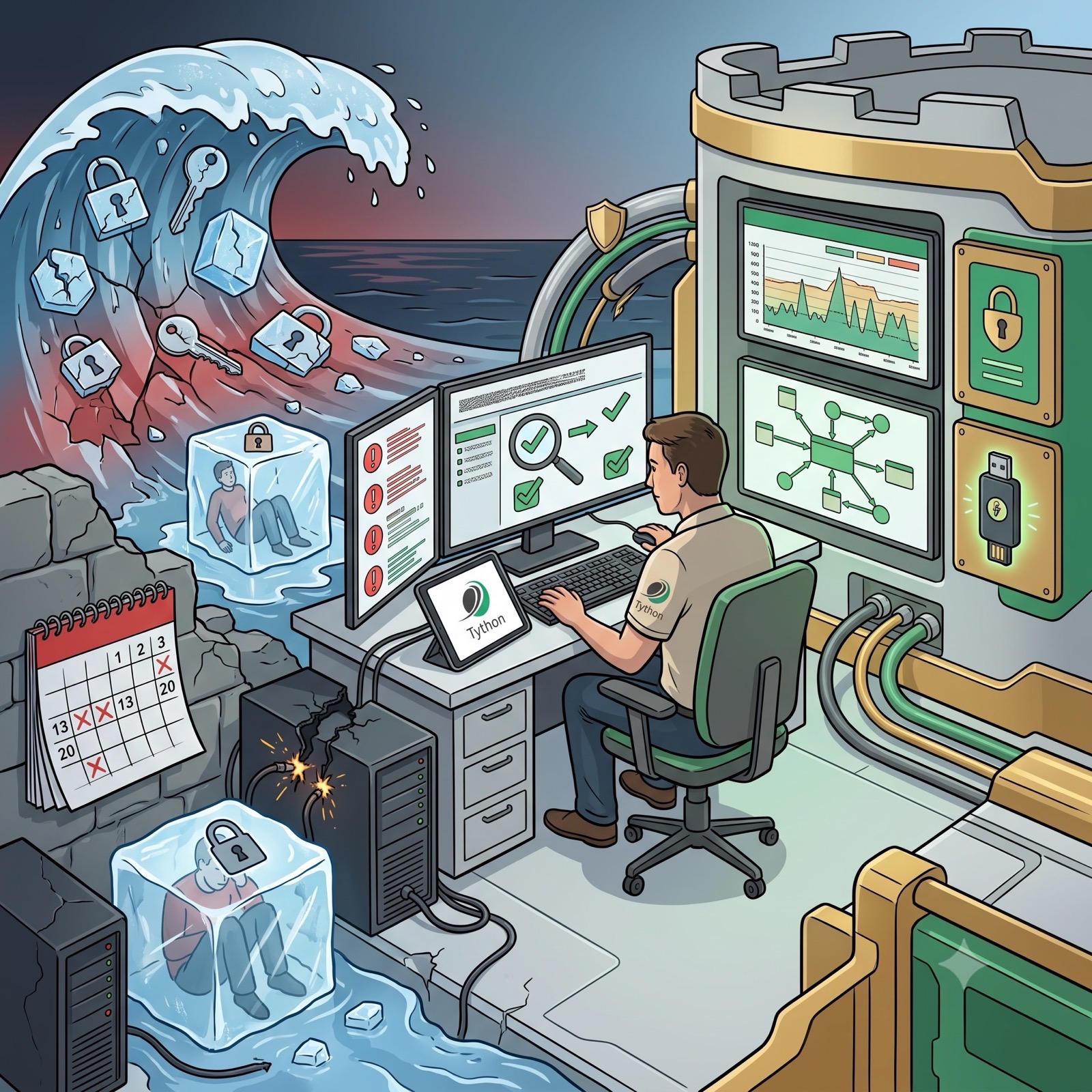
In May we walked through every deadline in Salesforce’s summer security wave, and in June we showed why a 1Password passkey satisfies the phishing-resistant MFA mandate. The deadlines have now all passed. Phishing-resistant MFA for privileged users went live in production July 1. Step-up authentication for anomalous exports and the default Transaction Security Policy landed July 13. MFA for every employee user closed out the wave on July 20. In roughly six months, Salesforce moved at least eight security controls from “recommended” to technically enforced across every paid org.
This week isn’t about preparing anymore. It’s about cleaning up what enforcement broke–and hardening the fixes so you’re not firefighting the same issues in September.
What a Month of Enforcement Looks Like
The community reaction has been blunt. One longtime consultant called the rollout “an absolute sh*tshow.” An MVP with a twenty-year-old reference org reported being locked out with no clear reasoning. Consulting partners describe losing client trust when requirements shifted mid-implementation. Underneath the noise, the operational pain concentrates in four places:
- Frozen accounts with no explanation. The high-risk IP blocking that went live April 24 automatically freezes users connecting through anonymizing VPNs, proxies, or IPs Salesforce flags as risky–and revokes their authentication tokens. In practice, users are getting frozen on corporate VPNs, hotel and travel networks, and even ordinary ISP and mobile carrier connections. Salesforce has not published the criteria for “high-risk,” and there is no allow-list mechanism for trusted IPs.
- Integrations failing silently. The same IP blocking applies to API-only traffic regardless of credential validity. Connected apps are experiencing token revocation with no UI notification. The first symptom is usually downstream: a report that quietly stopped updating, a sync job that hasn’t run in days.
- Step-up fatigue on reports and exports. The 120-minute default challenge window means users doing legitimate bulk work get interrupted repeatedly. Challenge fatigue drives workarounds–screenshots, copy-paste into spreadsheets, personal-device photography–and every workaround is an unaudited extraction path.
- The Transaction Security Policy you didn’t write. As we warned in July, orgs that hadn’t defined an export policy by July 13 got Salesforce’s auto-generated default: a trigger on report exports over 10,000 records. That threshold may bear no resemblance to your actual export patterns, and auto-created policies can’t simply be deleted.
Why This Cleanup Can’t Wait
- Frozen admins create shadow access. When the only admin is locked out and reactivation requires a support call, teams reach for shared logins and borrowed sessions. The enforcement wave’s biggest short-term risk isn’t the controls–it’s the workarounds people invent to route around them.
- Silent integration failures are data-integrity incidents in disguise. A revoked token doesn’t announce itself. By the time someone notices the stale dashboard, you may have weeks of missed syncs to reconcile.
- Step-up fatigue trains users to treat security prompts as noise. The control designed to catch anomalous exports loses its value the day users stop reading the challenge and start reflexively approving it.
- The default policy gives false comfort. An org with the auto-generated 10,000-record policy looks covered on paper while API-based extraction–the vector in every major ecosystem breach of the past year–sails past it untouched.
Deeper Dive
Triage Step 1: Find and Unfreeze the Right Way
Start with an inventory of who’s actually locked out. Query UserLogin for frozen users (IsFrozen = true) and cross-reference recent LoginHistory entries with a status other than Success–the combination separates enforcement freezes from ordinary password lockouts. Prioritize three groups: users with admin-level permissions, dedicated integration users, and anyone who is the sole owner of a scheduled job or flow.
For enforcement freezes tied to high-risk IP detection, the unfreeze itself is straightforward–but the recurrence isn’t, because you can’t allow-list your way out. What you can do:
- Route consultant and remote-worker access through login IP ranges on their profiles or permission sets, using known egress IPs from your corporate network rather than consumer VPN exits. Traffic from a declared, restricted range gives Salesforce’s risk scoring less reason to flag it.
- Move automation off user credentials entirely. An integration user with API-only access, a restricted IP range, and a JWT Bearer flow doesn’t trip device activation and gives you one place to look when something freezes.
- Document the reactivation path before you need it. If your sole admin gets frozen at 8 AM on go-live day, “call Salesforce Support” should be a runbook entry with the org ID, support tier, and phone number–not a scramble.
Triage Step 2: Sweep for Silently Dead Integrations
Because token revocation doesn’t surface in the UI, you have to go looking for it:
- Query
OauthTokenand compareLastUsedDateagainst each integration’s expected cadence. An hourly sync whose token was last used ten days ago is your smoking gun. - Check
LoginHistoryfor API login attempts with failure statuses from your integration users–revoked tokens show up as authentication failures the vendor’s retry logic may be absorbing without alerting anyone. - Ask the owners of your top five business-critical integrations to confirm data freshness at the destination, not the source. The Salesforce side can look healthy while nothing has actually left the org.
- For anything that died, re-authorize under the hardened pattern above rather than simply reconnecting as the same over-privileged user that froze last time.
This is also the moment to finish the connected app audit we laid out after the Klue breach–the same OauthToken inventory serves both purposes in one pass.
Triage Step 3: Replace the Default Export Policy with Yours
The auto-generated Transaction Security Policy is a floor, not a strategy. Pull 90 days of report export events from Event Monitoring and answer two questions: what does a normal week of exports look like per role, and which exports would actually hurt if they walked out the door? Then:
- Set thresholds from your data, not Salesforce’s default. If your sales ops team routinely exports 25,000-row pipeline reports, a 10,000-record trigger generates alert fatigue; if your org’s largest legitimate export is 2,000 rows, the default leaves an 8,000-row blind spot.
- Decide block versus step-up versus notify per policy. Blocking a quarterly board-report export at 6 PM the night before the meeting is how security teams lose allies.
- Add a policy for API-volume anomalies. The default policy watches report exports only. Every major ecosystem breach of the past twelve months–Salesloft Drift, Gainsight, Klue–exfiltrated through the API, where the default policy never looks.
Triage Step 4: Close the MFA Gaps Enforcement Revealed
Two gaps are showing up consistently a month in:
- Sandbox refreshes wipe MFA verifiers. A sandbox that passed readiness testing in June may be full of users with no registered verification method today. Add verifier re-registration to your sandbox refresh checklist, or your next UAT cycle starts with a wall of lockouts.
- Privileged-user coverage is wider than “System Administrator.” The phishing-resistant requirement keys on permissions–Modify All Data, View All Data, Customize Application, Author Apex–not profile names. Audit who actually holds those permissions through permission sets and groups; orgs keep finding “report builders” and “deployment users” who quietly qualify as privileged and are one login away from a hard stop. Permissions Assistant (now Data Defense) can map exactly which users hold privileged permissions and through which assignment path, which turns this audit from an afternoon of SOQL into a few minutes of review.
And a reminder from our June deep dive: phishing-resistant doesn’t mean hardware keys for everyone. Synced passkeys from 1Password or platform authenticators like Touch ID and Windows Hello satisfy the mandate–provision two methods per admin so a lost device isn’t an outage.
The Monitoring Posture After the Wave
The strategic reframe for August: enforcement hardened the login, but the login was never the whole problem. The damage in a modern breach is the bulk export after a legitimate sign-in–or after no sign-in at all, via a vendor-held token. Your post-wave monitoring should assume authentication is now the strongest link and watch what happens after it: API query volumes per connected app, export events per user against baseline, and the freeze/unfreeze churn that signals either a real threat or a control misfiring on your own people.
Salesforce forced the floor up. The orgs that treat July’s controls as a completed checklist will spend the fall firefighting freezes and fatigue. The orgs that treat them as a foundation–tuned policies, dedicated integration identities, monitored API behavior–come out of the hangover measurably harder to breach than they were in June.
Book a 15-Minute Security Strategy Call
Reference(s):
https://help.salesforce.com/s/articleView?id=005317465&type=1
https://www.softwareinsights.dev/posts/salesforce-security-enforcement-2026-complete-guide/
https://salesforcebreak.com/2026/05/15/security-changes-2026/
https://www.salesforceben.com/june-2026-security-requirements-what-to-expect-and-how-to-prepare/