
SalesforceConferenceAppExchangeSecurityPermissionsTools
Permissions Assistant Wins the Raleigh User Group DemoJam!
Editor’s note: Permissions Assistant has since been rebranded as Data Defense.
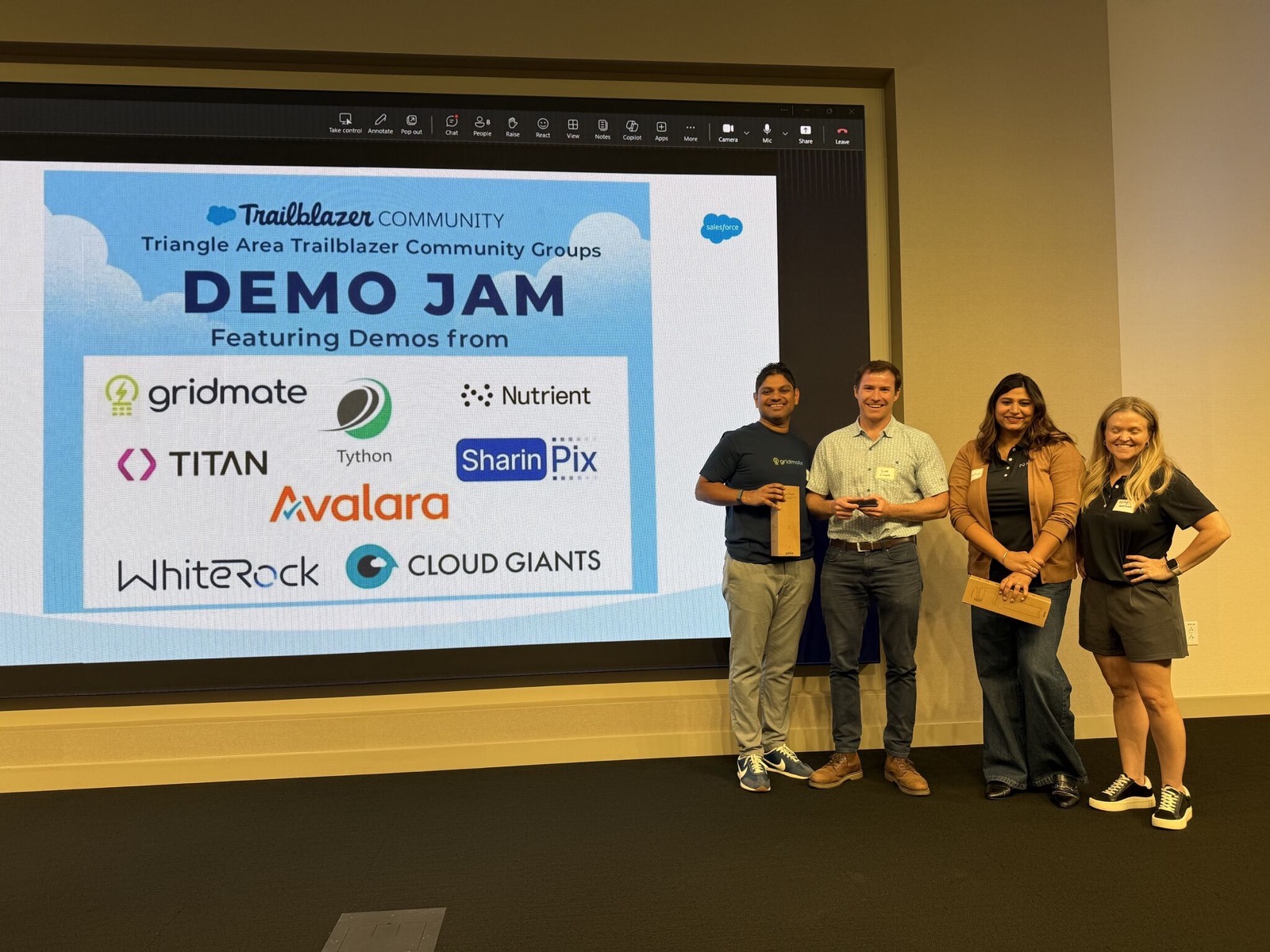
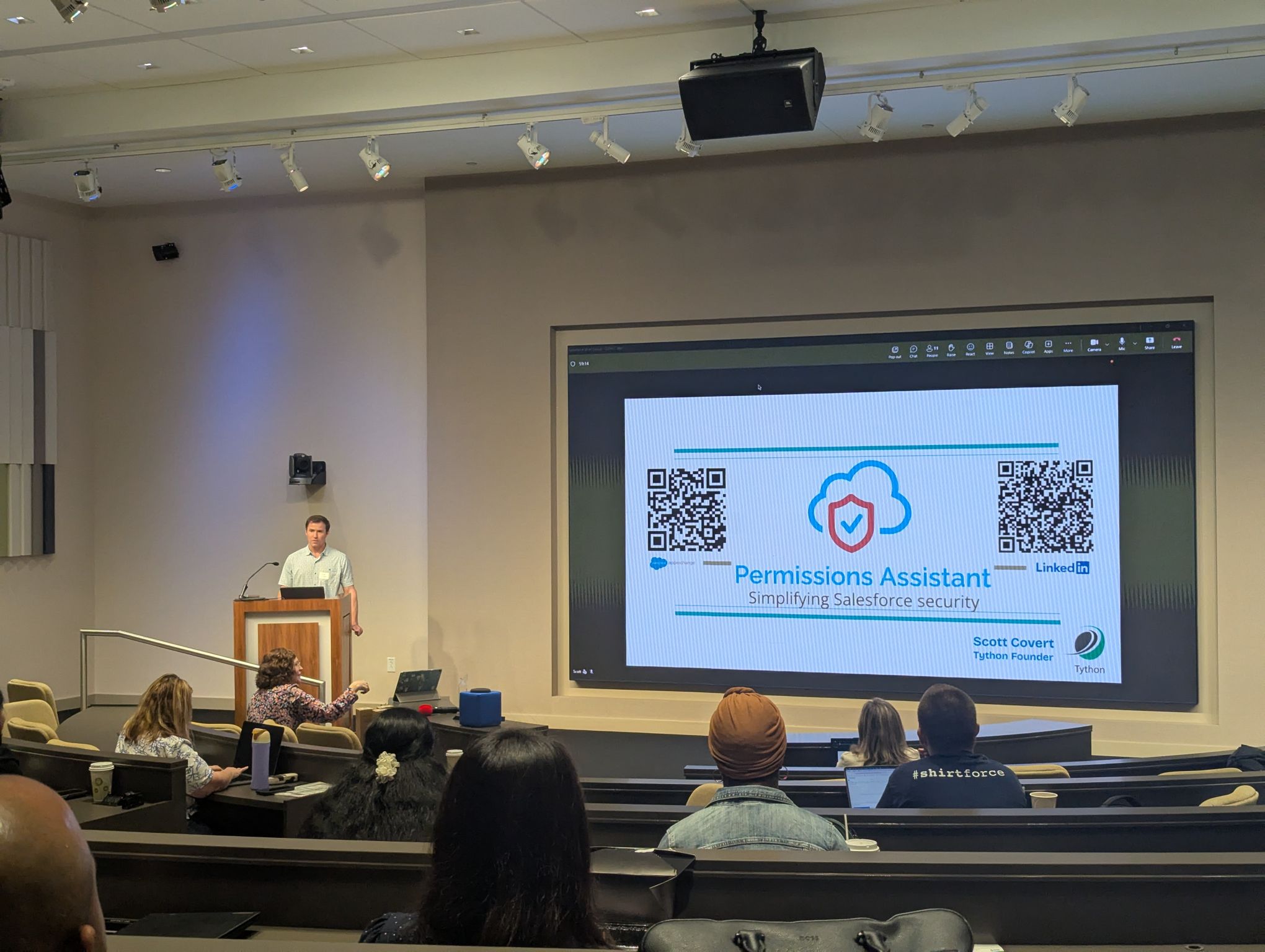
We’re thrilled to share that Permissions Assistant by Tython took home the top prize at the DemoJam hosted by the Raleigh Salesforce User Group, co-hosted by the Raleigh Salesforce Women in Tech Group. DemoJam is a fast-paced, crowd-judged format–a few minutes on stage, a live demo, no slides to hide behind–and winning it in a room full of talented builders from across the Triangle meant a lot to our team.
Why We Led With Security
Before showing a single feature, we spent a moment on the “why.” Salesforce has become one of the most attractive targets for attackers, and that’s not surprising–it’s where organizations keep their most sensitive customer, financial, and operational data. But when you look closely at the breaches and near-misses that make headlines, a striking number don’t come down to some exotic zero-day. They come down to misconfigured permissions: a user who could see far more than their role required, a permission set that quietly granted Modify All Data, an integration with standing access nobody remembered approving.
Permissions are the connective tissue of Salesforce security, and they’re also the easiest thing to get subtly, invisibly wrong. That’s the problem Permissions Assistant exists to solve.
What We Demoed
Permissions Assistant is built to give admins and consultants a clear, fast answer to a deceptively hard question: who can see what, and why? In a few minutes on stage, here’s what we walked through.
A different security posture. Permissions Assistant is Salesforce Security Reviewed and fully native. There’s no external storage of OAuth tokens that could be breached–a meaningful distinction for a tool whose entire job is to inspect your most sensitive access configuration. Yet we still deliver cross-org functionality, so consultants and admins managing multiple orgs aren’t forced to choose between convenience and a clean security posture.
“Who can see what & why?” We showed how quickly you can trace a user’s effective access back to its source–not just that someone has a permission, but how they got it.
Side-by-side comparisons. We compared pairs of users, pairs of profiles and permission sets, and even pairs of orgs, surfacing the differences instantly. It’s the kind of diff that normally takes an admin an afternoon of clicking and spreadsheet-wrangling.
Permission search and assignment paths. We demonstrated searching for which users hold a specific selection of permissions–and, just as importantly, how those permissions were assigned to them.
Org Overview. We showed our single-dashboard view of an org’s security posture, complete with AI-generated summaries and an integration with DigitSec’s code scanner to bring application-layer findings into the same picture.
Integration Analysis. We highlighted the feature that audits your org’s OAuth authorizations, so you can see exactly which connected apps and integrations have access–and reconsider the ones that shouldn’t.
We were only able to touch briefly on our Page Layout Analysis and Similarity Analysis features before the clock ran out–always a good sign that there’s more to show than the format allows.
Deeper Dive: Why “Fully Native” Matters for a Security Tool
It’s worth dwelling on the architectural choice, because it’s central to how we think about trust.
The hard part of answering “who can see what, and why?” is that effective access in Salesforce is the product of many overlapping layers: profiles, permission sets, permission set groups, muting permission sets, sharing rules, role hierarchy, ownership, field-level security, and more. A user’s true reach is the sum of all of it, and that sum is rarely obvious from any single screen. A tool that can untangle this needs deep, privileged visibility into the org’s configuration.
That’s exactly why the architecture matters. Many third-party tools achieve cross-org analysis by connecting through OAuth and storing tokens–and often a cache of your metadata–on external infrastructure. That external store becomes a high-value target: a single breach of the vendor could expose access to every connected customer org. For a security tool, that’s a difficult irony–the thing meant to harden your posture becomes a new dependency in your threat model.
Permissions Assistant takes the opposite approach. Because it’s fully native, the analysis runs inside the Salesforce trust boundary, and there are no externally stored OAuth tokens to steal. We pair that with Salesforce’s Security Review, the platform’s own vetting process for AppExchange solutions. The result is cross-org functionality without asking you to widen your attack surface to get it. When the product’s whole purpose is to help you find and close access risk, it shouldn’t quietly introduce a new one.
Thank You to the Community
A win like this is really a reflection of the community that showed up. Thank you to the Raleigh Salesforce User Group and the Raleigh Salesforce Women in Tech Group for hosting, and a special thank you to the organizers who make these events happen–Candice Gervase, Lani Bass, and Cindy Akus. Your work building this community in the Triangle is the reason events like DemoJam are worth showing up for.
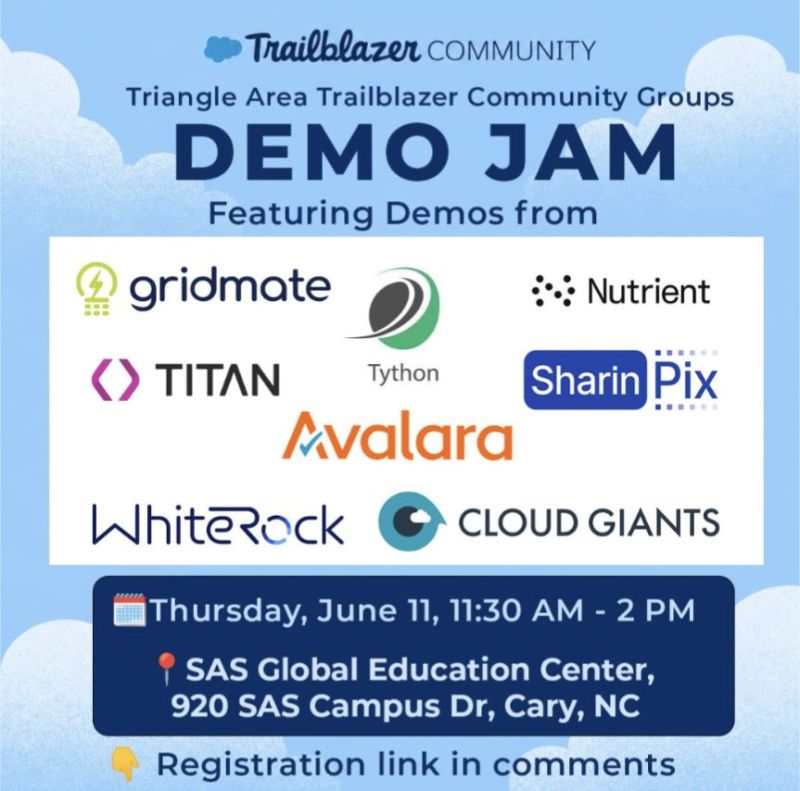
We also want to recognize the other ISVs who took the stage. The Triangle region of North Carolina has become a genuine hub for Salesforce innovation, and it showed–Avalara, WhiteRock, Cloud Giants, GridMate (runner-up), Nutrient (third place), Titan, and SharinPix all brought strong demos. Sharing a stage with that group made the win mean more, and we’re proud to be building alongside them.
If you’d like to see what won the room–and how Permissions Assistant can help you answer “who can see what, and why?” in your own org–we’d love to show you.
Book a 15-Minute Demo or Visit Us on the AppExchange