
Don't Let Salesforce Write Your Export Policy: The July 13 Transaction Security Deadline
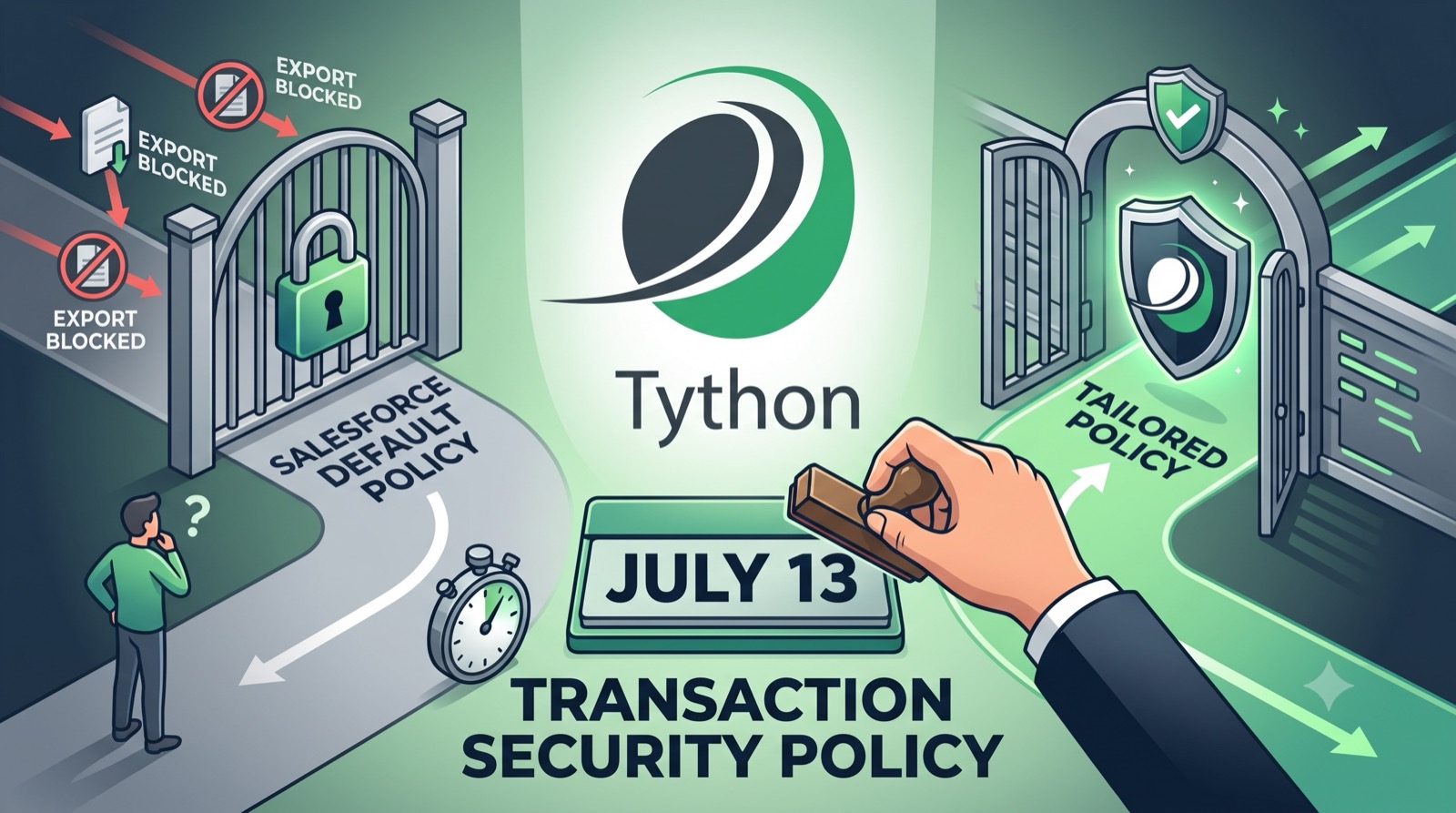
Back in May we mapped Salesforce’s summer security wave and its stack of enforcement dates. One of the big ones lands Monday. On July 13, Salesforce enforces a Transaction Security Policy in production — and if you haven’t authored your own, it auto-creates one for you. That default is where the trouble starts, because a control you didn’t write is a control you can’t predict, and export monitoring is exactly the kind of thing you want to prove and tune deliberately.
What Actually Lands on July 13
Transaction Security Policy enforcement carries a hidden default. If you have not created a qualifying policy by July 13 — it’s been enforced in sandboxes since June 22, which is your test bed — Salesforce auto-creates one that triggers on report exports over 10,000 records. It’s a sensible-sounding number that has nothing to do with how your specific org moves data.
Don’t confuse it with a separate control on a later timeline: Report Step-Up Authentication reaches production on July 27 (sandboxes since July 6) and re-prompts users to verify their identity when they run, view, or export a report. It’s worth knowing about, but it’s a different mechanism with a different date. The auto-created export policy is the one that demands a decision from you this week — so that’s what the rest of this post is about.
Why Inheriting the Default Is a Trap
An auto-created policy makes three decisions on your behalf, and all three deserve to be yours.
It picks the threshold. Ten thousand rows is arbitrary relative to your business. A finance team running 15,000-row month-end reconciliations trips it constantly; a service account quietly pulling 8,000 records a night never does. The number should map to your real data flows, not a platform default.
It picks the action. The default fires on that threshold, but you may want to notify and monitor rather than block — especially in the first weeks, when you don’t yet know what “normal” looks like. Blocking a legitimate export before you’ve studied the pattern turns a security control into an outage.
It picks the exemptions — which is to say, none. Real orgs have roles that legitimately export in bulk. The default has no concept of your data stewards or integration users, so it treats a sanctioned nightly job and a smash-and-grab exfiltration identically.
Inheriting all three means Salesforce, not you, defined your export security posture. The fix is to define it yourself before July 13.
What to Do This Week
- Author a monitor-only policy now. A Transaction Security Policy set to notify (not block) surfaces real export behavior without risking a single broken workflow. You can tighten to Block once you’ve seen a week of live data.
- Set a threshold that matches your flows, and exempt the roles that legitimately move data in volume so month-end doesn’t become an incident.
- Test in a sandbox first. The policy has been enforced there since June 22 — validate that nothing legitimate breaks before it reaches production.
- Confirm MFA fallback works. Both this policy and the July 27 Report Step-Up Authentication challenge users mid-task; users without a registered method get stuck.
Deeper Dive
Two Ways to Write the Policy
Enhanced Transaction Security gives you two paths to author a ReportEvent policy: the declarative Condition Builder and Apex. Which one you need depends entirely on whether you have exemptions — and in practice, you almost always do.
The Condition Builder (no code)
For a blunt threshold with no exceptions, Condition Builder is enough. In Setup, create a new Transaction Security Policy, choose Condition Builder, and configure:
- Event: Report Event
- Condition Logic: All Conditions Are Met
- Condition: Rows Processed Greater than or equal to your threshold
- Action: start with Notifications (email/in-app), not Block
- Notifications: send to a security or admin recipient so every trip is visible
This reproduces — and lets you tune — what the auto-created default does. Set your own number, keep it in notify mode, and you’ve already replaced the default with something you control.
Why You’ll Probably Need Apex
Condition Builder can’t branch, query, or loop, and it can’t see every field on the event. Crucially, RowsProcessed is available, but role- and profile-based logic is not. The moment you want “challenge exports over 10,000 rows unless the user is a Data Steward,” you’re in Apex.
An Apex condition implements TxnSecurity.EventCondition and its evaluate(SObject) method returns a Boolean: true triggers the policy, false lets the action through. Here’s the pattern, adapted from Salesforce’s own reference implementation, that exempts a bulk-export role:
global class PreventLargeReportExport implements TxnSecurity.EventCondition {
    public boolean evaluate(SObject event) {
        switch on event {
            when ReportEvent reportEvent {
                return evaluate(reportEvent);
            }
            when null {
                // No action when the event is null
                return false;
            }
            when else {
                // No action for event types we don't handle
                return false;
            }
        }
    }

    private boolean evaluate(ReportEvent reportEvent) {
        Profile profile = [
            SELECT Name FROM Profile
            WHERE Id IN (
                SELECT ProfileId FROM User WHERE Id = :reportEvent.UserId
            )
        ];
        // Trigger only for non-exempt users exporting above the threshold.
        if (!profile.Name.contains('Data Steward')
                && reportEvent.RowsProcessed > 10000) {
            return true;
        }
        return false;
    }
}
A few things worth noting about this pattern. The switch on event structure lets one class handle multiple event types cleanly and safely returns false for anything unexpected — which matters, because a policy that misfires is a policy that blocks legitimate work. The exemption here keys off profile name for readability; in a mature org you’d more likely check a custom permission or permission set assignment so the exemption is auditable and doesn’t break when someone renames a profile. And because you can read any field on ReportEvent from Apex, you can layer in additional signals the Condition Builder can’t reach.
Roll It Out Monitor-First
The single most important operational rule: do not lead with Block. Salesforce’s own guidance is to start with monitoring and notification, understand the impact, and only then enforce. Create the policy in notify mode, leave it running for a week, and watch who trips it. You’ll learn two things — where your legitimate bulk exports actually are (so you can exempt them) and whether anything genuinely anomalous is already happening. Only after that do you flip the action to Block, and only for the population that shouldn’t be exporting at volume.
Test the whole thing in a sandbox before production. An incorrect Transaction Security Policy is a powerful way to lock people out of work they need to do — the framework is deliberately forceful, and a bad threshold or a missing exemption becomes everyone’s problem instantly.
The Licensing Caveat
Transaction Security and Enhanced Transaction Security require a Salesforce Shield or Shield Event Monitoring subscription. If you don’t have that entitlement, the auto-created default policy and its 10,000-row trigger may still apply as part of the platform enforcement, but you won’t have the full authoring surface to replace it with a tailored Apex policy. If that’s your situation, the priority shifts to the native export monitoring you do have — login history, the Setup Audit Trail, and standard event logs — and it’s worth a conversation about whether Shield’s control surface is justified by your data-exfiltration risk.
What This Doesn’t Solve
A tuned export policy reduces the blast radius of a compromised account and gives you a fast signal when data starts moving in volume. It does not stop small, slow, under-threshold exfiltration, and it doesn’t govern data that already left Salesforce before the policy existed. Treat it as one layer in depth — pair it with Event Monitoring and export logging so the slow-and-low patterns a static threshold misses still surface somewhere. The goal is that no single export walks out with the org, and that when something does move, you see it in time to act.
The Bottom Line
Salesforce is going to enforce a report-export policy in your production org on July 13. You don’t get to opt out of that. You do get to decide whether the threshold, the action, and the exemptions reflect your business or a platform default that’s never seen your data. Spend an hour this week authoring a monitor-first policy — Condition Builder if you have no exemptions, Apex the moment you do — and you’ll meet the July 13 deadline with a control you understand instead of one you inherited.
Book a 15-Minute Security Strategy Call
Reference(s):
https://help.salesforce.com/s/articleView?id=005321565&type=1
https://help.salesforce.com/s/articleView?id=005321567&type=1