
Scraped by a Guest: What 17 Months of City-Forum Attacks Mean for Your Experience Cloud Site
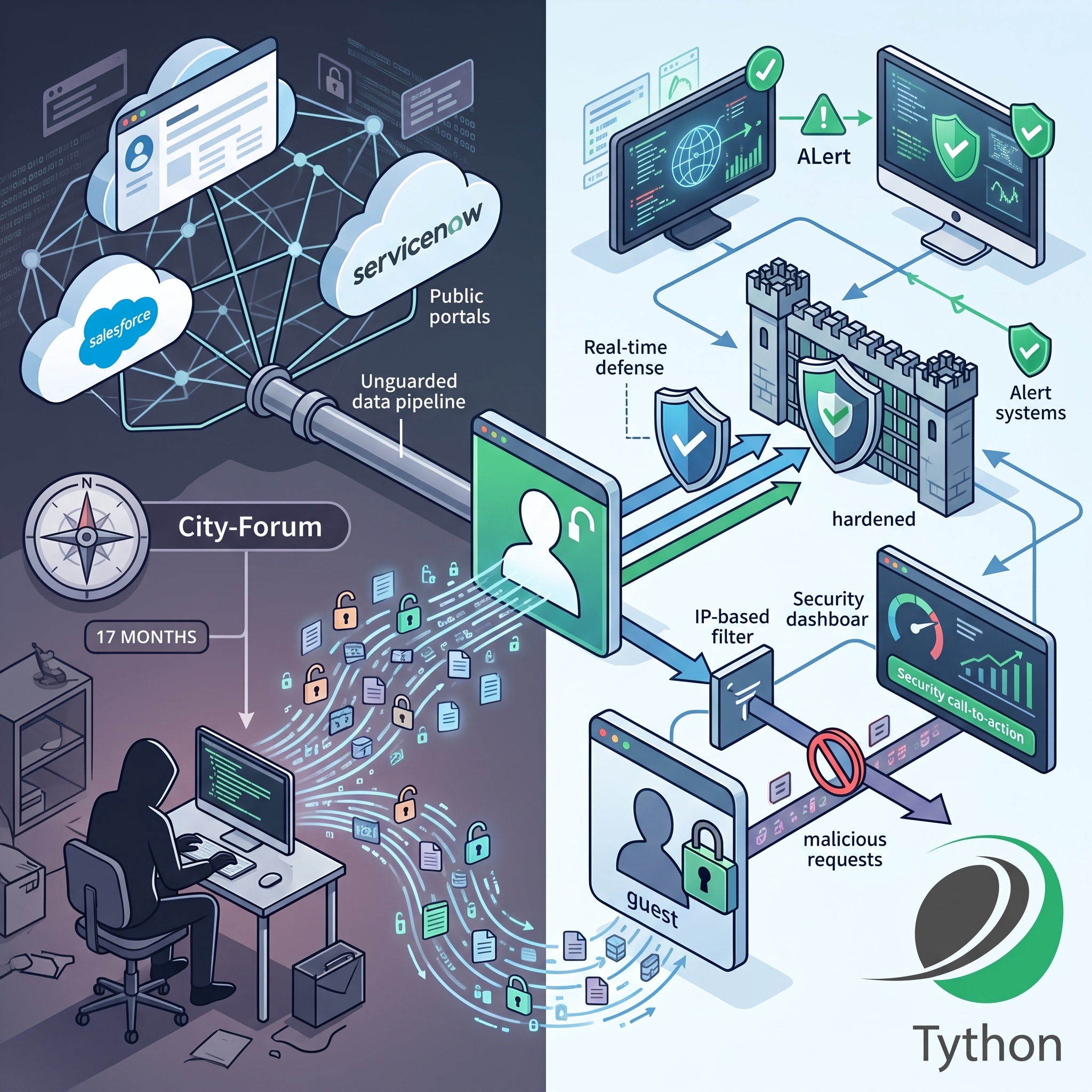
Back in January we warned that your Digital Experience site may be leaking data through over-permissioned guest users, and in July we showed how to turn Event Monitoring into real-time defense. This week both warnings collided with the news. Researchers at Reco disclosed the “City-Forum” campaign–named for the abandoned domain tied to the attacker’s server–in which a threat actor spent at least 17 months systematically scraping Salesforce and ServiceNow portals worldwide without ever authenticating.
Not one login. Not one phished credential. Not one stolen OAuth token. Every request rode in on the guest user that exists on every public Experience Cloud site.
What Happened
Since at least March 2025, a single server at 158.220.87.79 has been probing public Salesforce sites and ServiceNow portals with a custom Go toolset. The targets span telecommunications, banking and financial services, enterprise software vendors–including security and data-privacy companies–and public-sector portals. The campaign was still active when Reco published its research this month.
The operational picture is striking for what it lacks. No IP rotation for 17 months. One consistent Go-http-client/1.1 user agent on every request. No malware, no exploit, no CVE. The entire campaign ran on configuration mistakes: guest profiles with object read access they didn’t need, sharing rules that exposed Accounts, Contacts, and Cases to anonymous visitors, and API surfaces left open to the public.
If this sounds familiar, it should. FINRA’s cybersecurity alert earlier this year described ShinyHunters mass-scanning publicly accessible Experience Cloud sites and probing their API endpoints to exploit misconfigured guest profiles. Reco stopped short of attributing City-Forum to the same actor–but the technique is the same, which is the point. This isn’t one group’s clever trick. It’s a repeatable playbook against a misconfiguration that is everywhere.
Why This Campaign Went Unnoticed
- Guest traffic looks like traffic. There’s no failed login to alert on, no impossible-travel anomaly, no token misuse. Anonymous enumeration blends into the background noise of a public website. One victim logged more than 560,000 events from the attacker’s IP–essentially all guest Aura enumeration–without anyone noticing.
- The API doesn’t care what’s on the page. As we wrote in January, data never rendered on any page of your site is still fully reachable through standard endpoints if the guest profile can read it. City-Forum is that warning, weaponized at scale.
- The attack surface outgrew the checklists. Most guest-access hardening guidance predates Lightning Web Runtime sites. City-Forum is the first publicly documented abuse of LWR’s UI-API layer–an access path many admins don’t know their site exposes.
Deeper Dive
Anatomy of the Enumeration
The attacker worked three distinct access paths, and auditing your org means understanding all of them:
- Aura API enumeration. Every Aura-based Experience Cloud site serves the
/auraendpoint (also reachable at/s/sfsites/aura). The attacker calledHostConfigController.getConfigDatato enumerate which objects the guest user can reach, then usedSelectableListDataProviderController.getItemsto page through records in bulk. This is the same technique Varonis documented back in 2021–still working in 2026 because the misconfigurations that enable it keep getting rebuilt into new sites. - LWR GraphQL and UI-API sweep. On Lightning Web Runtime sites, the attacker hit
/webruntime/api/services/data/vNN.0/graphql, sweeping API versions from v56.0 through v66.0 to find one the site would answer, along with REST endpoints under/webruntime/api/services/data/{version}/ui-api/. This surface is controlled by the “Allow guest users to access public APIs” preference in Experience Builder–a setting distinct from both the “API Enabled” permission and page-level visibility, and one that’s easy to leave enabled because nothing visibly breaks when it’s on. - Self-registration probing. The toolset appended
/SiteRegisterand/CommunitiesSelfRegto every discovered site path. Where self-registration is enabled, an anonymous guest can promote themselves to an authenticated external user–trading the guest profile’s visibility for a member profile that typically sees far more.
The ServiceNow side of the campaign abused the undocumented /api/now/sp/search endpoint on guest-facing Service Portals–a reminder that this is a SaaS-wide pattern, not a Salesforce-specific flaw.
Detection: Was Your Org a Target?
You have the logs to answer this–if you look. Query EventLogFile (AuraRequest and Sites event types) and hunt for:
- Requests from 158.220.87.79, the campaign’s only known IP for its entire 17-month run.
- Any guest session with a USER_AGENT of Go-http-client/1.1. Legitimate guest sessions come from browsers; a compiled Go binary browsing your portal is not a customer.
- Abnormal volumes of
SelectableListDataProviderController/ACTION$getItemsandHostConfigController/ACTION$getConfigDatafrom guest users. Humans click; scripts page. - Guest requests sweeping
/webruntime/api/services/data/GraphQL endpoints across multiple API versions in quick succession. - Guest hits on
/SiteRegisteror/CommunitiesSelfRegon sites where you never enabled self-registration.
If you built the Event Monitoring alerting pipeline from our July guide, these translate directly into new detection rules: alert on any non-browser user agent in a guest session, and on guest Aura request volume exceeding a per-IP hourly baseline.
One honest caveat: if your org was scraped via guest access, there may be nothing to “contain”–no token to revoke, no account to freeze. The data is simply gone, and FINRA’s guidance applies: treat exposed data as compromised and watch for the downstream phishing and vishing campaigns that stolen contact data feeds.
The Hardening Checklist
Everything from our January audit still applies–object and field permissions on site profiles, external org-wide defaults, WITH USER_MODE and with sharing in site Apex, and the “Secure guest user record access” kill switch. City-Forum adds five items to that list:
- Run the Guest User Sharing Rule Access Report for every active site (Setup > Guest User Sharing Rule Access Report). Remove any sharing rule that grants guests access to Accounts, Contacts, Cases, or any object holding PII. Sharing rules are the only way guests see records they don’t own once secure guest access is enabled–so every rule is a deliberate hole in the kill switch.
- Disable guest UI-API access on LWR sites. In Experience Builder: Workspaces > Administration > Preferences, uncheck “Allow guest users to access public APIs” unless your site genuinely requires anonymous API reads. Most don’t.
- Turn off self-registration you aren’t using. If self-registration is required, audit what the default member profile can see–because every anonymous visitor on the internet can become that profile.
- Strip guest Activities and file access. Remove the “Access Activities” permission and guest file access to close off Tasks, Events, and ContentDocument as enumeration targets.
- Re-audit after every site launch and refresh. Salesforce creates guest and member profiles per site. A new site means a new guest user with its own permissions–your hardening work on the last site doesn’t carry over.
Guest profiles are also where least-privilege tooling earns its keep: Permissions Assistant (now Data Defense) can show you exactly which objects and fields each site’s guest profile can reach, before an attacker maps it for you.
The Bottom Line
City-Forum ran for 17 months from a single, never-rotated IP address, and it worked because guest-user misconfiguration is the quietest breach vector in the Salesforce ecosystem: no credentials to steal, no alerts to trip, no vendor to blame. The attacker’s patience is a bet that you won’t audit your sites. Seventeen months of uninterrupted scraping says it’s been a good bet. Make it a bad one.
Book a 15-Minute Security Strategy Call
Reference(s):
https://www.reco.ai/blog/city-forum-campaign-salesforce-servicenow